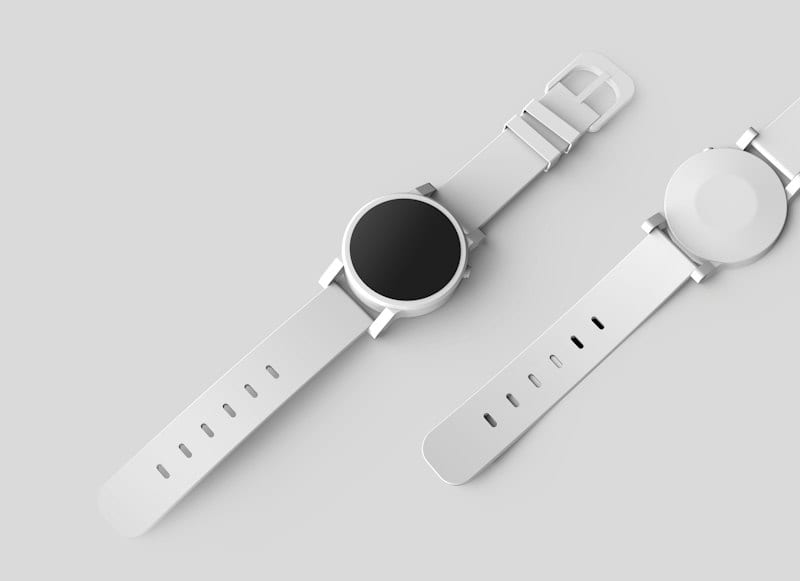
Walmart Product Image Requirements 2026: The Complete Seller Guide
Walmart main images need a pure white RGB 255 background and a clean, text-free product shot. Here is what the specs say, where guides disagree, and how to prepare a batch that passes.
ServicesPublished October 12, 2026Updated October 30, 20266 min readBy the Reframe Visuals editors
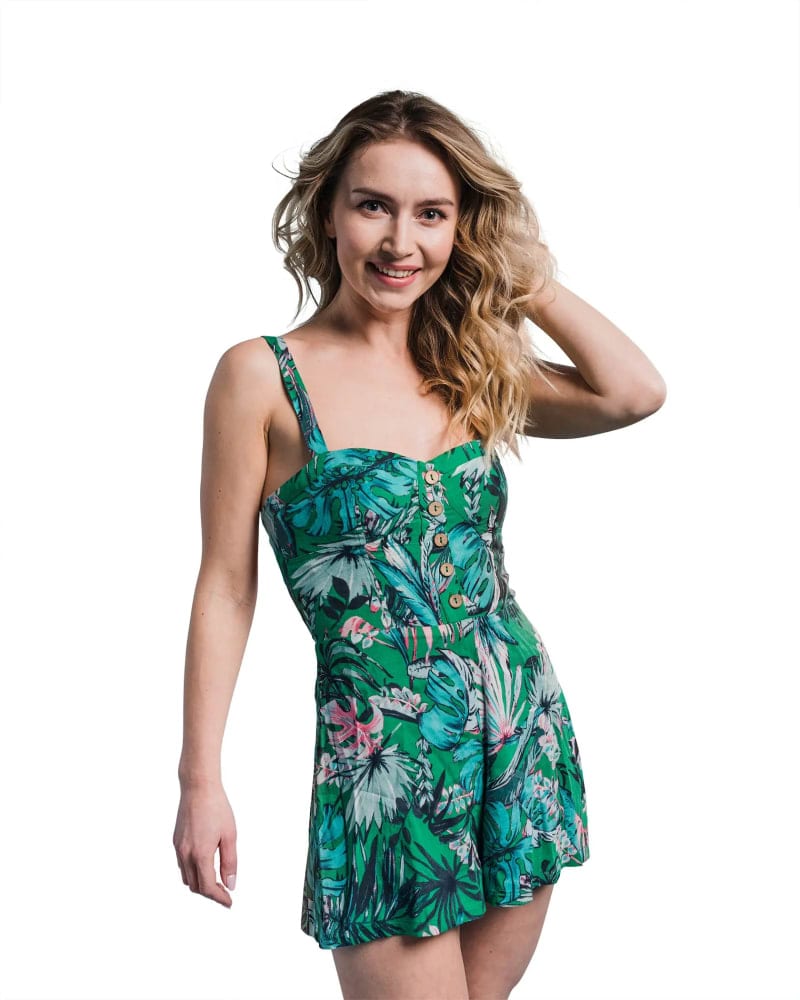
Walmart checks main images automatically. A background that is almost white, a watermark in the corner or a file that is too small can get a listing flagged or suppressed before a shopper ever sees it. This guide covers what Walmart asks for, where the published specs disagree, and how to prepare a batch so the first upload passes.
One note before the details. Walmart revises its content standards and publishes the current version in Seller Center. Third-party guides quote different pixel minimums and frame-fill targets, and we could not find a single official figure for frame fill on the US marketplace. Where the numbers below are a safe target rather than a confirmed rule, we say so. Check Seller Center before you send a large batch.
What the main image must be
The main image is the first one in search results and at the top of the item page. These rules are consistent across Walmart's guidance and the seller guides we checked:
- Pure white background. RGB 255, 255, 255. Not off-white, not light grey, not a gradient. An image that looks white on your screen at 250 or 252 is not white to an automated check.
- The product as sold. Show what the customer receives. No accessories that are not included.
- No text, logos, watermarks or promotional badges added to the image.
- No props or lifestyle scene in the main slot.
- Sharp and in focus. Walmart enables zoom on larger images, and a soft file shows.
Need Walmart-compliant product images that pass automated checks?
Avoid listing rejections with calibrated pure white RGB 255 backgrounds and clean 2,000px crops. Get 3 sample Walmart images prepared free with 24-hour turnaround.
Size and format: the safe target
Walmart's own marketplace guidance recommends 2000 x 2000 pixels, and a smaller minimum that works but disables zoom. Third-party guides quote a 1,500 x 1,500 minimum for zoom. They do not agree, so the safe move is to deliver at the recommended size:
- 2,000 x 2,000 pixels or larger, square (1:1)
- JPG or PNG, with JPG the usual choice for file size
- Do not enlarge a small image to hit the number. Upscaling softens the product and zoom exposes it
- Keep an even margin around the product so a square crop never cuts anything off. Fill most of the frame, but do not touch the edges
If your photos come off the camera at 3,000 pixels or more, resizing down to 2,000 keeps the file light and the detail clean.
Additional images
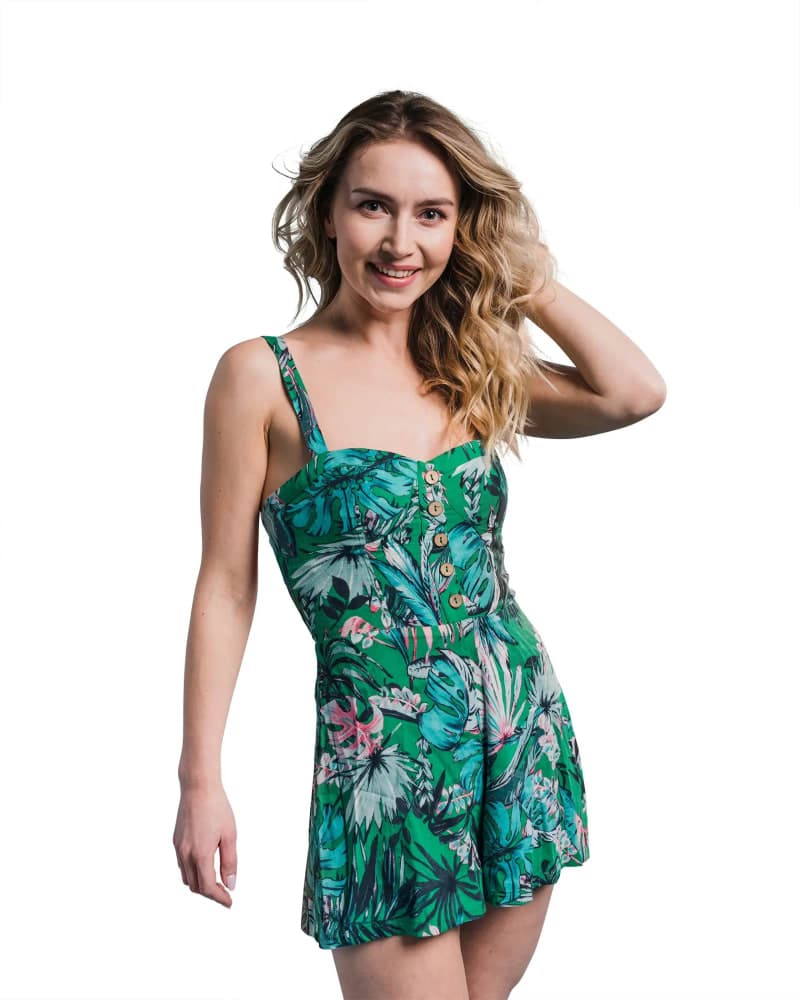
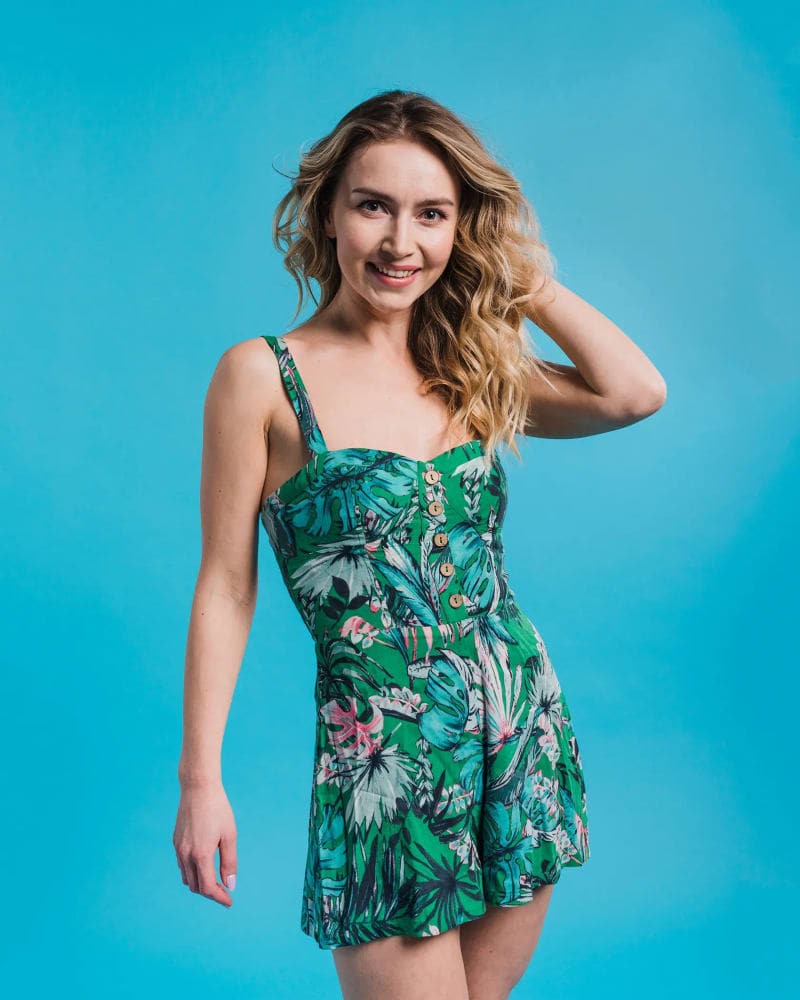
Walmart allows several additional images per item, and this is where lifestyle shots, angles and detail close-ups belong. These slots carry the story the main image cannot:
- Alternate angles and the back of the product
- Close-ups of material, stitching or finish
- Scale and use shots, including people
- What is in the box
- Size charts and simple infographics
Keep prices, shipping claims and competitor comparisons out of every image. Those belong in the listing text.
Why images get rejected
These are the failures we see most often when sellers send us images to fix:
- Off-white background. The most common one. A cut-out filled with a near-white looks right and fails the check. We explain the colour maths in the pure white background guide.
- A shadow that is not a clean ground shadow. Soft shadows under the product are usually fine. A grey halo or a hard edge of leftover background is not.
- Text, badges or watermarks from a previous marketplace or a free editing tool.
- A cropped or off-centre product after Walmart squares the image.
- Low resolution, or a small file that was enlarged.
- Accessories or extra items in the main image that are not part of the listing.
How to prepare Walmart images
The workflow that holds up on a large catalog:
- Shoot on a clean, light background so the edge is easy to find. Even a grey sweep is better than a cluttered room.
- Cut the product out and place it on pure white RGB 255. Check the edge at 200% zoom. A fringe of the old background is the usual cause of a rejection.
- Add a soft ground shadow so the product does not float. This is what separates a cut-out from a photograph.
- Resize to 2,000 x 2,000 and export as JPG at high quality.
- Open one file at 100% zoom before you approve the batch. If one is wrong, the pattern repeats.
Our Marketplace Ready bundle, background removal plus shadow creation, is $0.49 per image and is built for exactly this. Put "Walmart main image" in the brief and we deliver to pure white at your target size.
Selling on Amazon too?
The two marketplaces overlap but are not identical. Amazon and Walmart both want pure white main images. They differ in details such as minimum sizes and category exceptions, and both revise their rules, so check each spec before a big batch. If you list on both, prepare to the stricter requirement once and export a version for each. Our Amazon guide covers the other side.
Want to know if your images pass before you upload?
Send three product images from your Walmart catalog, including your hardest one. We edit them free to pure white at your size so you can check them in Seller Center before you commit a batch. If you already know the volume, request a quote.
Get an exact price for your images.
Tell us your volume and the edits you need. We reply with a price, and you can send sample images to make it exact.
Questions answered
7 questions
Pure white, RGB 255, 255, 255. No gradients, off-white fills, text or watermarks.
Deliver at 2,000 x 2,000 pixels or larger, square. Walmart's guidance recommends that size, and published minimums for zoom vary between sources, so it is safer to exceed them.
A 1:1 square is the standard. Non-square images can be cropped, which may cut off part of the product.
In most categories the main image should be the product alone on white. Put model and lifestyle shots in the additional image slots.
The usual causes are an off-white background, text or a watermark on the image, a low-resolution file, or a main image showing items that are not included. Fix the image and upload it again.
Yes. We cut the product out, place it on pure white and add a shadow if you want one, to the size you set in the brief. Our turnaround runs from 12 to 72 hours.
Yes. We edit three sample images for business product photography before you pay.
No matching questions
Try a shorter keyword, or choose another category.