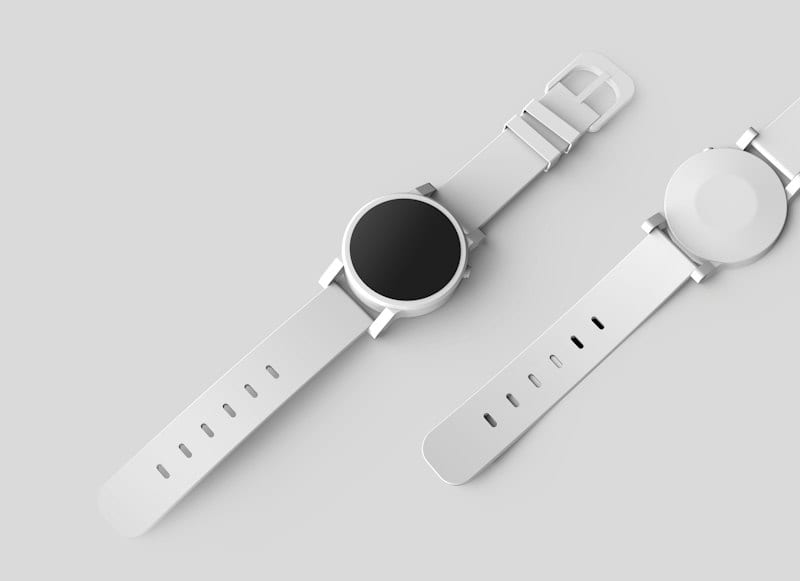
Jewelry Photo Retouching Cost: A Complete Breakdown
Jewelry retouching costs $0.80 to $5.00 per image across three tiers. Here is what each tier includes, what makes a piece cost more, and a priced 100-piece catalog.
ServicesPublished October 18, 2026Updated October 30, 20266 min readBy the Reframe Visuals editors
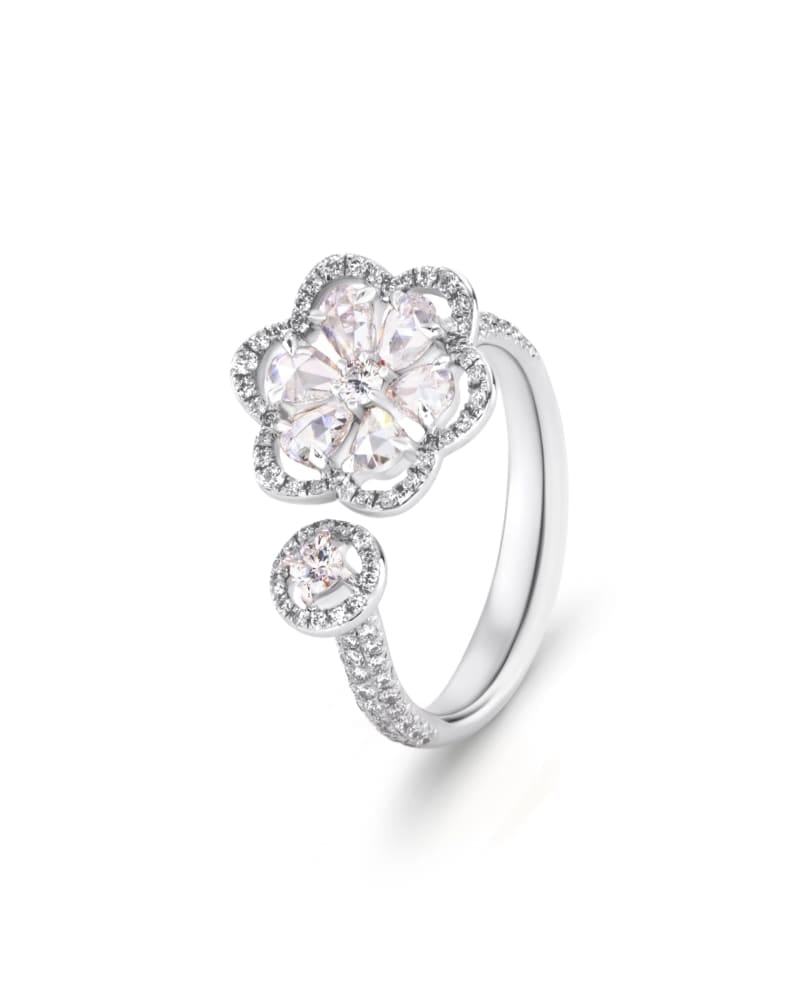
Jewelry retouching costs $0.80 to $5.00 per image at Reframe Visuals. A plain band with a few fingerprints is at the bottom. A diamond necklace with a hundred stones, a fine chain and a reflective clasp is at the top. This guide shows what decides the tier, what each tier includes, and how to budget a jewelry catalog.
Why jewelry costs more than other products
Most product photos need a clean edge and a clean background. Jewelry needs both, plus a lot more. Metal reflects everything near it, including the photographer, the light box and the dust on the lens. Stones throw highlights that either read as sparkle or as blown-out white. Chains and prongs have so much edge for their size that a bad path is obvious at normal zoom.
Shoppers also look closer. People zoom into a ring before they buy it. Every smudge, scratch and uneven highlight shows up on the product page, so the retouching has to survive 200% zoom, not just a thumbnail.
Evaluating jewelry retouching tiers for your collection?
See what professional gemstone fire enhancement and micro-dust cleanup looks like on your own macro shots. Get 3 free sample jewelry edits by Reframe Visuals.
Pricing by tier
| Tier | Price per image | What usually lands here |
|---|---|---|
| Basic | $0.80 | Plain bands, small studs, simple pendants. Dust and fingerprint cleanup, tone match, clean background |
| Advanced | $1.99 | Rings with stones, earrings, bracelets, multi-piece sets. Highlight control, stone cleanup, reflection work |
| High-end | $5.00 | Diamonds and luxury pieces, necklaces with many links, watches, anything where each facet is visible |
Prices are at 24h Standard turnaround. We confirm the tier from your sample edit before you order.
What each level includes
Basic covers the work every piece needs: removing dust, fingerprints and small scratches from the metal, matching the tone of gold, silver or rose gold to your reference, and placing the piece on a clean background.
Advanced adds control of the light. Highlights on metal are tamed so they are bright without being clipped. Stones get their facets cleaned and balanced. Reflections of the studio, such as a light box edge or the camera, are removed.
High-end is the full treatment. Edges are traced by hand, stones are enhanced one by one, and multiple exposures or focus-stacked frames can be merged where the shoot allows it, so the whole piece is sharp from clasp to centre stone. This is the tier for luxury pieces where the photograph has to carry the price tag.
What makes a piece cost more
- Chains. A fine chain has hundreds of edges. Each link needs a clean path against the background, and the gaps between links need to show the background, not leftover grey.
- Number of stones. Every stone has its own highlight and its own colour. Ten stones means ten small decisions, not one.
- Mixed metals. A two-tone piece needs separate adjustments for the gold and the silver, or one of them goes wrong.
- Settings. Prongs, pavé and bezels all need clean masking so the stone looks seated, not floating.
- Watch dials. Text, subdials and the crown are slow, exact work. The dial has to be legible and the glass has to look like glass, not like a flat sticker.
Clipping path and background removal
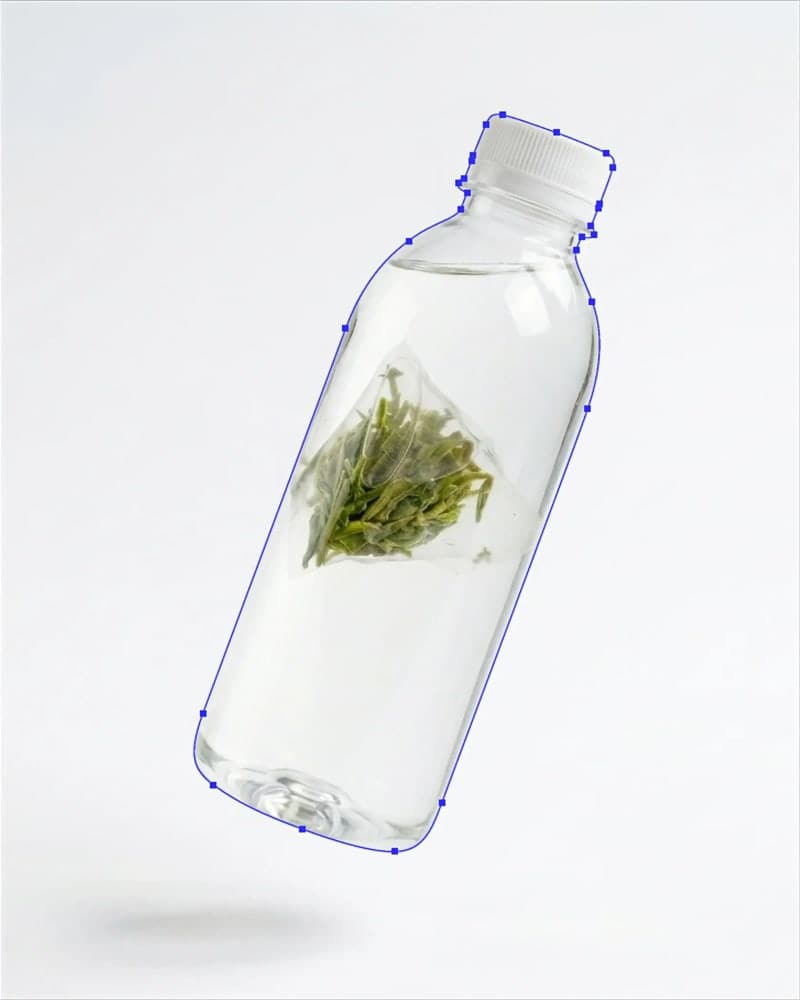
Almost every jewelry order also needs a clean cut-out. For basic pieces, background removal is enough. For fine chains, claw settings and anything with open space inside the design, a hand-drawn clipping path is the right tool because it follows each link and gap exactly. The Pen Tool approach is slower but it is the difference between a chain that looks like a chain and one that looks like a smear.
Clipping Path starts at $0.39 per image and is a separate line on your order. Our Jewelry Essentials bundle, jewelry retouch plus background removal, is $1.54 per image.
A jewelry catalog, priced
A 100-piece launch with a typical mix:
| Tier | Pieces | Price | Subtotal |
|---|---|---|---|
| Basic | 50 | $0.80 | $40.00 |
| Advanced | 40 | $1.99 | $79.60 |
| High-end | 10 | $5.00 | $50.00 |
| Total | 100 | $169.60 |
That is $1.70 per piece on average. The ten high-end pieces are 10% of the catalog and about 30% of the bill, which usually matches where the margin is. If you only had budget for one tier up, spend it on the pieces that carry your highest prices.
How to get a lower price without a worse result
- Wipe the pieces before you shoot. Fingerprints and dust are the cheapest problems to fix, and the cheapest to avoid.
- Shoot a clean reference. One photo of the piece in natural light, or a colour swatch, lets us match gold and silver tones to what the customer will see in the box.
- Bracket your exposures. For stones, two or three frames at different exposures give the editor real detail to work with instead of rescuing a single blown highlight.
- Shoot against a consistent background. A plain sweep, even if it is not white, makes the cut-out cleaner.
- Group your batch. Pieces of the same type edit faster and more consistently when they arrive together.
If you want to see how we think about the highlights themselves, read the science of sparkle.
See your own pieces first
Pick two from your catalog: one easy, one hard. We edit up to three images free so you can see the highlights, the tone match and the edge on your own work. For a full line sheet, request a quote with your volume and we will price the batch.
Get an exact price for your images.
Tell us your volume and the edits you need. We reply with a price, and you can send sample images to make it exact.
Questions answered
7 questions
From $0.80 for basic pieces to $5.00 for high-end work, at 24h Standard turnaround. Advanced retouching, for rings with stones and multi-piece sets, is $1.99.
No. Clipping Path is a separate service from $0.39 per image. Many jewelry orders include both, and the Jewelry Essentials bundle (jewelry retouch plus background removal) is $1.54 per image.
Yes. The goal is to control reflections so highlights stay bright without washing out the facets. The piece should look the way it does to the eye, not flattened.
Yes. Send a reference photo or a colour swatch with your brief and we match the metal tone to it.
12 to 72 hours, depending on the window you choose at checkout. High-end pieces are better on 24h or longer.
Retouched files in the format you ask for, usually JPG or PNG. If you want the clipping path inside a layered PSD or TIFF for your own team, say so in the brief.
Yes. We edit three sample images for business product photography, such as ecommerce and fashion brand catalogs, before you pay.
No matching questions
Try a shorter keyword, or choose another category.