Single clipping path or multi-clipping path?




 +1
5.0 from 14 reviews2-editor QAUnlimited revisions in 14 days
What is clipping path?
A clipping path is a closed outline drawn by hand with the Pen tool around a product.
What is multi-clipping path?
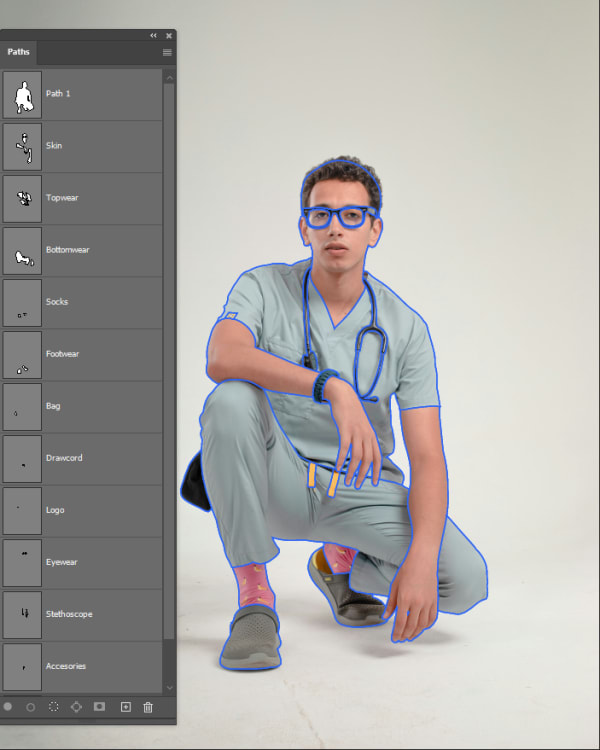
Multi-clipping path is a specialized vector technique where an image is isolated into multiple independent, closed Pen Tool paths for each individual component—such as collars, sleeves, buttons, soles, or gemstone settings.
Side by side.
| Feature | Clipping Path | Multi-Clipping Path |
|---|---|---|
| What it does | Studio-grade manual clipping paths drawn by hand with the Photoshop Pen Tool. 1.0–1.5px tolerance, clean curves, and zero jagged edge distortion. | Separate product parts, colors, and details with precise multi-clipping paths for controlled editing and catalog-ready workflows. |
| Starting price | $0.39 an image | $0.90 an image |
| Images a day | 2,500+ | 1,000+ |
| Turnaround | 12h–72h | 12h–72h |
| Includes | 100% manual Pen Tool vector paths drawn by hand (zero automated AI shortcuts), Strict 1.0–1.5px inward edge tolerance to eliminate background color fringing and halos, Smooth Bézier curves and sharp anchor point placement on straight edges | 100% manual Pen Tool vector paths drawn by hand for every product zone, Separate named paths for components, sleeves, collars, soles, hardware, and fabrics, Accurate color pathing for controlled color correction and product variation editing |
| Ideal for | Ecommerce brands, Amazon and Shopify sellers, Marketplace retailers |
The cut-out services.
Starting prices are per image at 24h Standard.
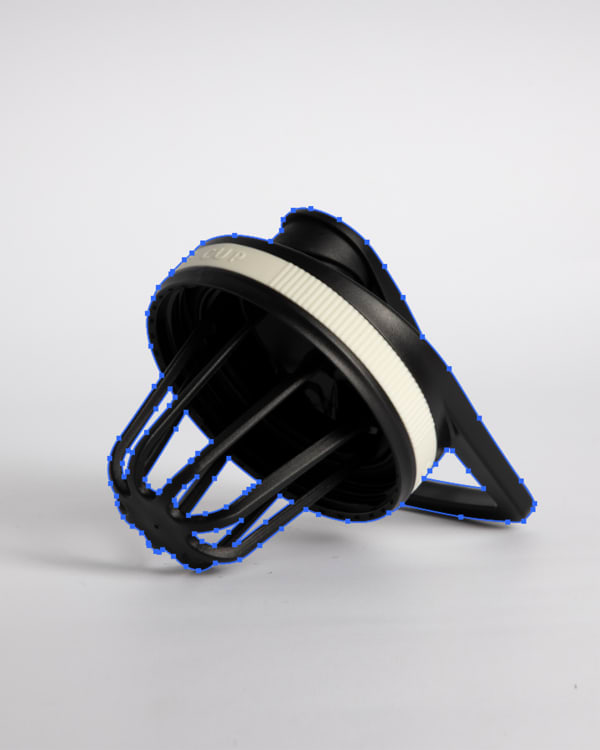
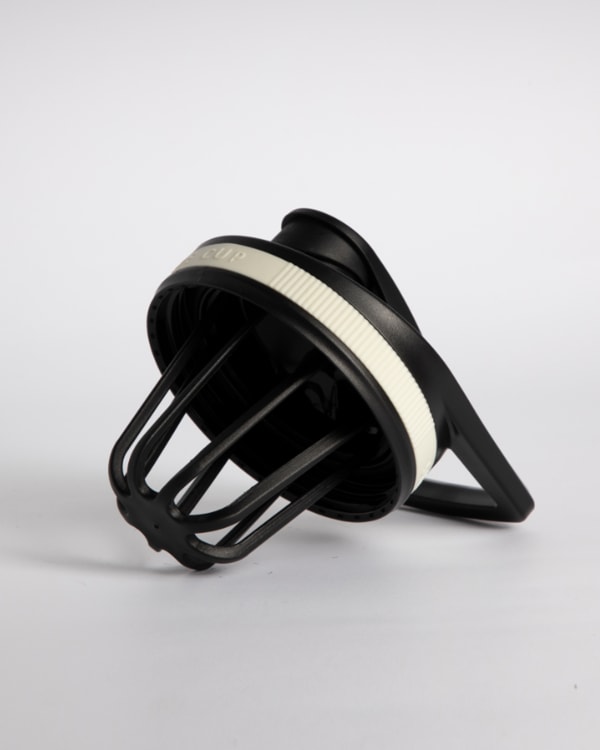
Clipping Path
Studio-grade manual clipping paths drawn by hand with the Photoshop Pen Tool. 1.0–1.5px tolerance, clean curves, and zero jagged edge distortion.
- From
- $0.39
- Images a day
- 2,500+
- Turnaround
- 12h–72h
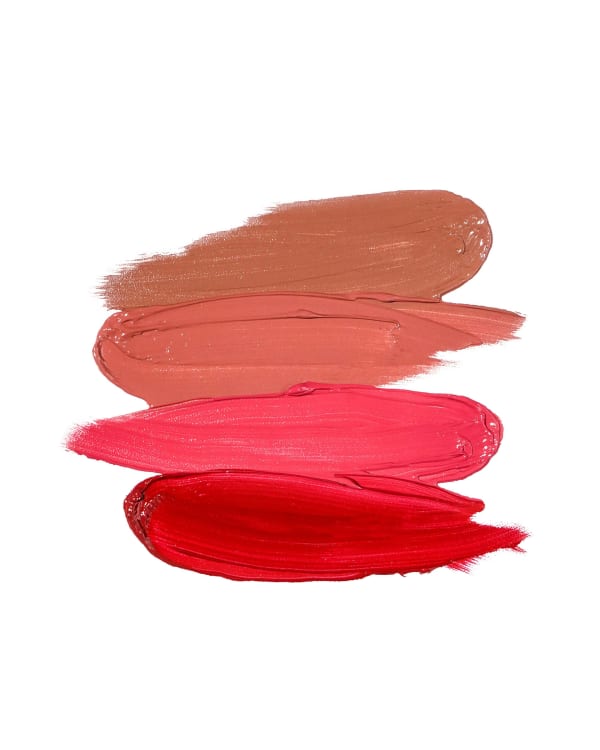
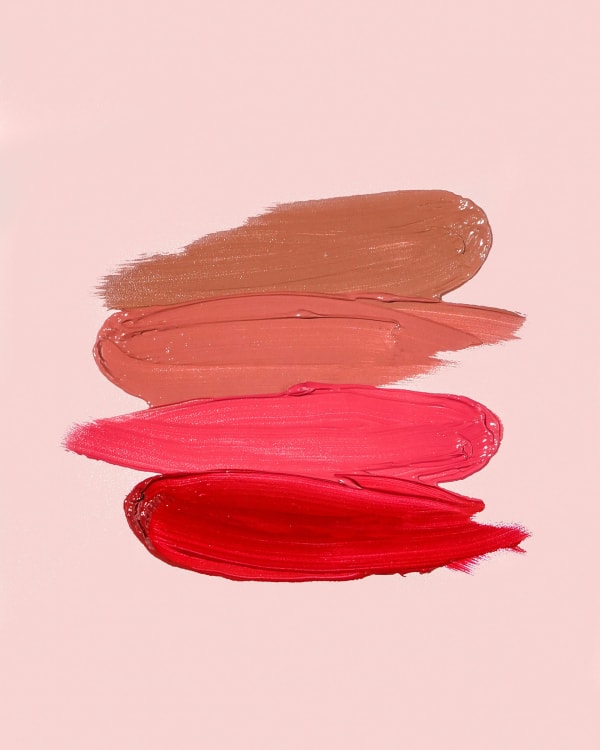
Background Removal
Studio-quality manual background removal for ecommerce catalogs. Clean hand-drawn cutouts, alpha channel masking for complex edges, and compliant white or transparent files.
- From
- $0.39
- Images a day
- 2,500+
- Turnaround
- 12h–72h

Multi-Clipping Path
Separate product parts, colors, and details with precise multi-clipping paths for controlled editing and catalog-ready workflows.
- From
- $0.90
- Images a day
- 1,000+
- Turnaround
- 12h–72h
Shadow Creation
Product shadow creation: a hand-drawn drop, natural or reflection shadow that grounds a cut-out product on any background.
- From
- $0.35
- Images a day
- 2,500+
- Turnaround
- 12h–72h
See the difference.
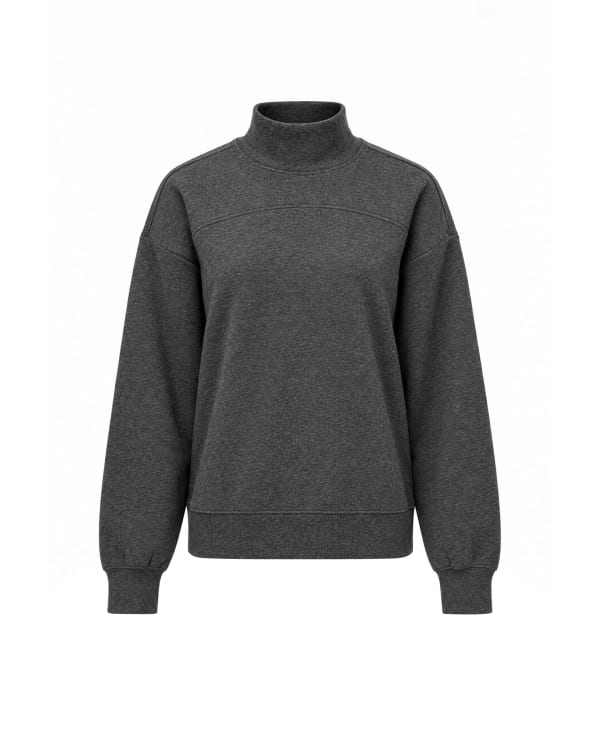
Drag any photo to compare the original with the edit.


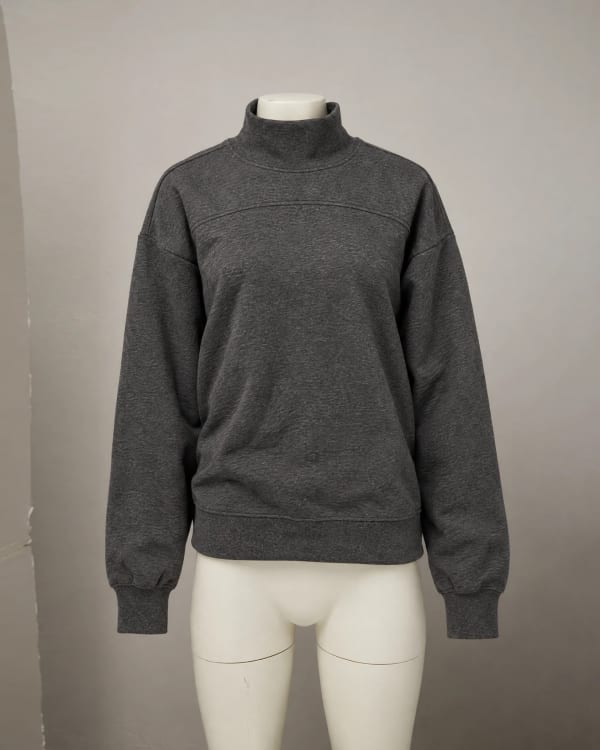
The order is the same for both.
Upload Your Images
Upload product images via the dashboard, Dropbox, or cloud storage.
Set Your Brief
Specify turnaround speed, service type, and any editing requirements.
QA Review
Two editors review every image against service-specific QA checklists.
Download Catalog-Ready Files
Receive your edited images via dashboard, email, or direct cloud sync.
What repeat clients say.
Probably the best team I have worked with, and I use the platform very very often. Awesome pricing & highest possible result. Everything done to the smallest details. They really know how to use PS. Will definitely work with them in the long run.
Nikola FilićFounder & Creative Director, Bomber ClothingGuides on edges and backgrounds.
Why the cut and the white matter, from the editors who do it.
6 questions
A single clipping path traces the outer perimeter of a product to isolate it from its background. A multi-clipping path traces both the outer contour and every individual internal component (such as shoe soles, laces, eyelets, zippers, collars, and hardware) into distinct, named vector paths.
Choose multi-clipping path when you need to recolor individual product sections, create seasonal colorways from a single master shot, adjust textures independently, or composite parts across marketing layouts.
No. A single path only separates the entire product from the background. To recolor specific materials (like changing a jacket's sleeves or a handbag's metal buckles), each part must be isolated with its own vector path.
In multi-clipping path files, every closed vector path is saved in the Photoshop Paths palette with descriptive labels (e.g., 'Path 1: Collar', 'Path 2: Left Sleeve', 'Path 3: Metal Buttons').
Single clipping paths start at $0.39 per image. Multi-clipping paths require significantly more manual Pen Tool tracing time and start at $0.90 per image depending on the number of zones.
Turnaround is 12h–72h chosen at checkout, with 12-hour Express delivery available for urgent campaign deadlines.
No matching questions
Try a shorter keyword, or choose another category.
Also see
Judge the quality yourself.
Send 3 images. Review the edits before you pay.